
Course Development
Add visuals, diagrams, narration, and video assets to online courses, modules, and instructional presentations.
Create engaging images, infographics, narration, avatar videos, and video content for modern learning experiences.
HACC Gen helps educators, instructional designers, and learning teams develop visual and audio-rich content faster. Turn instructional ideas into engaging multimedia while keeping learning objectives, accessibility, and human review at the center of the process.
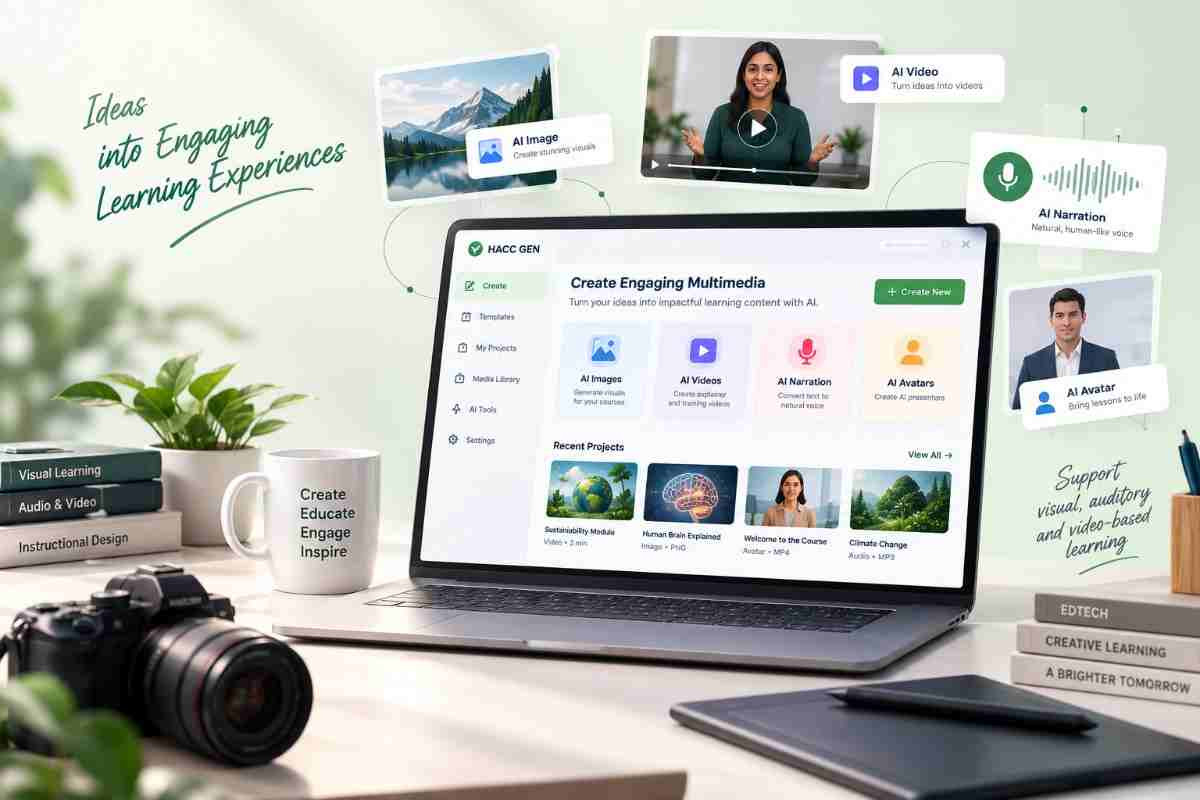
Effective learning content is not limited to text. Images, diagrams, narration, demonstrations, and videos can help learners understand complex ideas, retain information, and engage with content in different ways.
HACC Gen supports the creation of multimedia assets that complement your instructional strategy and make learning experiences more accessible, engaging, and easier to produce.
Create illustrations, diagrams, and visual explanations that make difficult ideas easier to understand.
Combine visual, audio, and video content to support varied learning needs and instructional approaches.
Generate first drafts of multimedia assets without starting every visual or narration project from scratch.
Review, refine, and approve every asset before it becomes part of the learner experience.
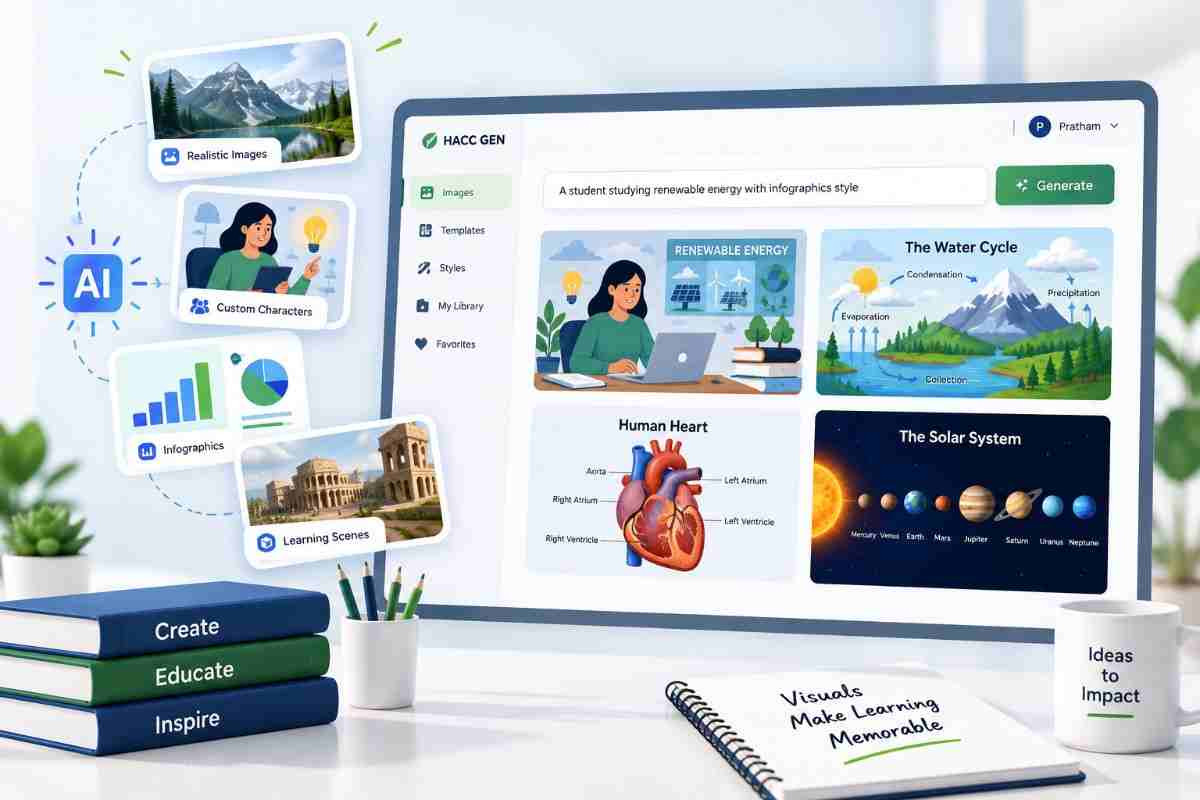
Generate custom images that support your instructional content, explain concepts, establish context, and make course materials more engaging.
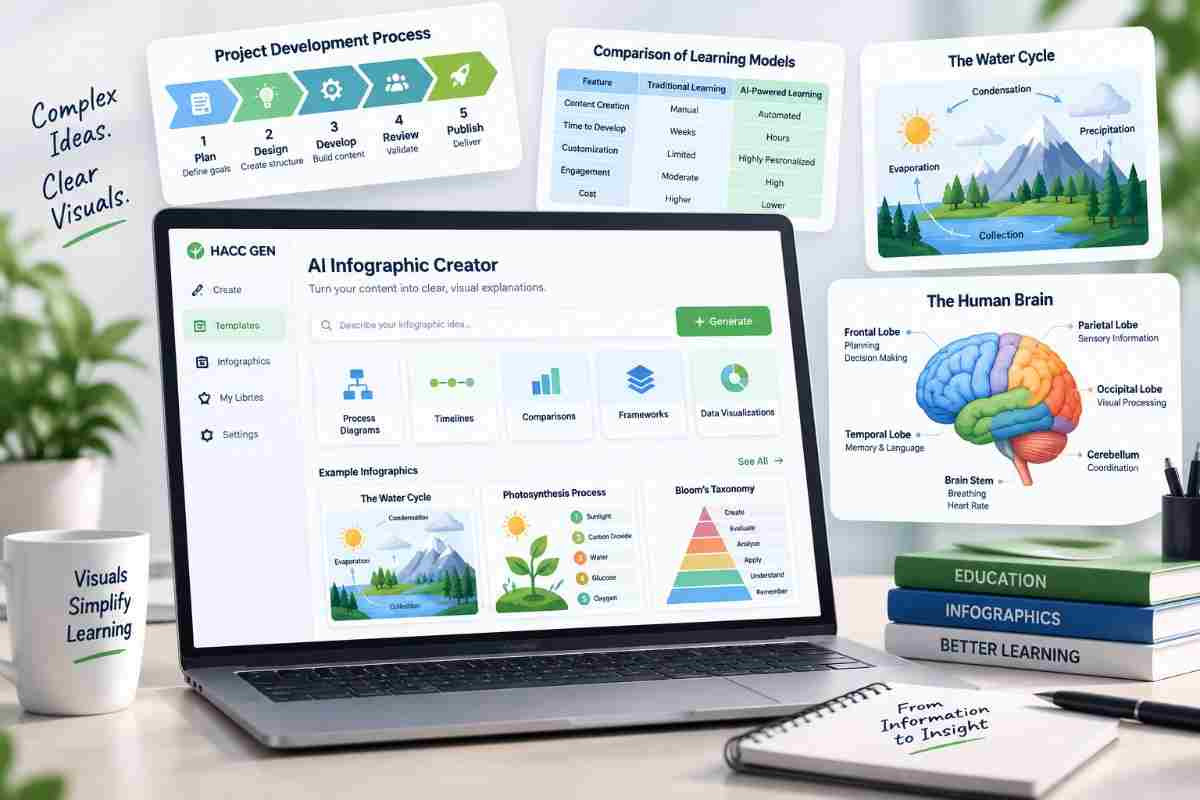
Help learners understand processes, frameworks, comparisons, and relationships through structured visual content that complements your lessons.
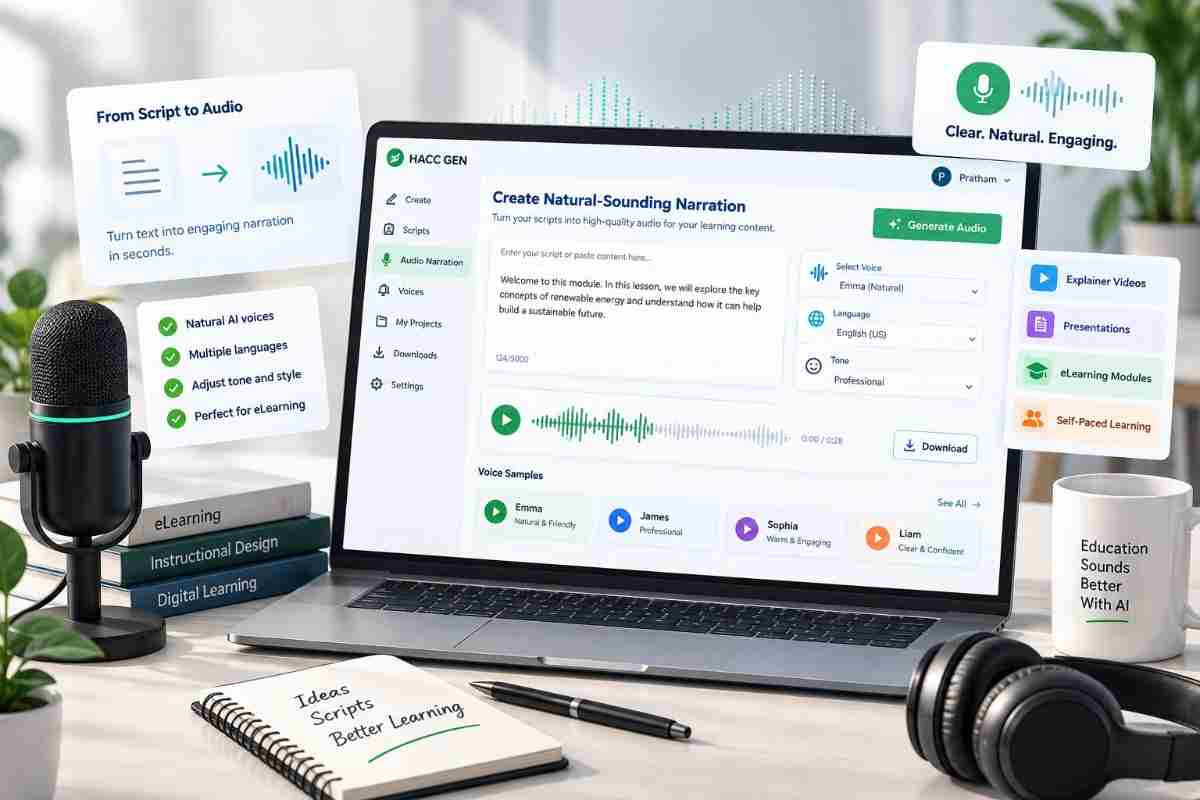
Create narration from instructional scripts to support presentations, explainer videos, demonstrations, and self-paced learning experiences.
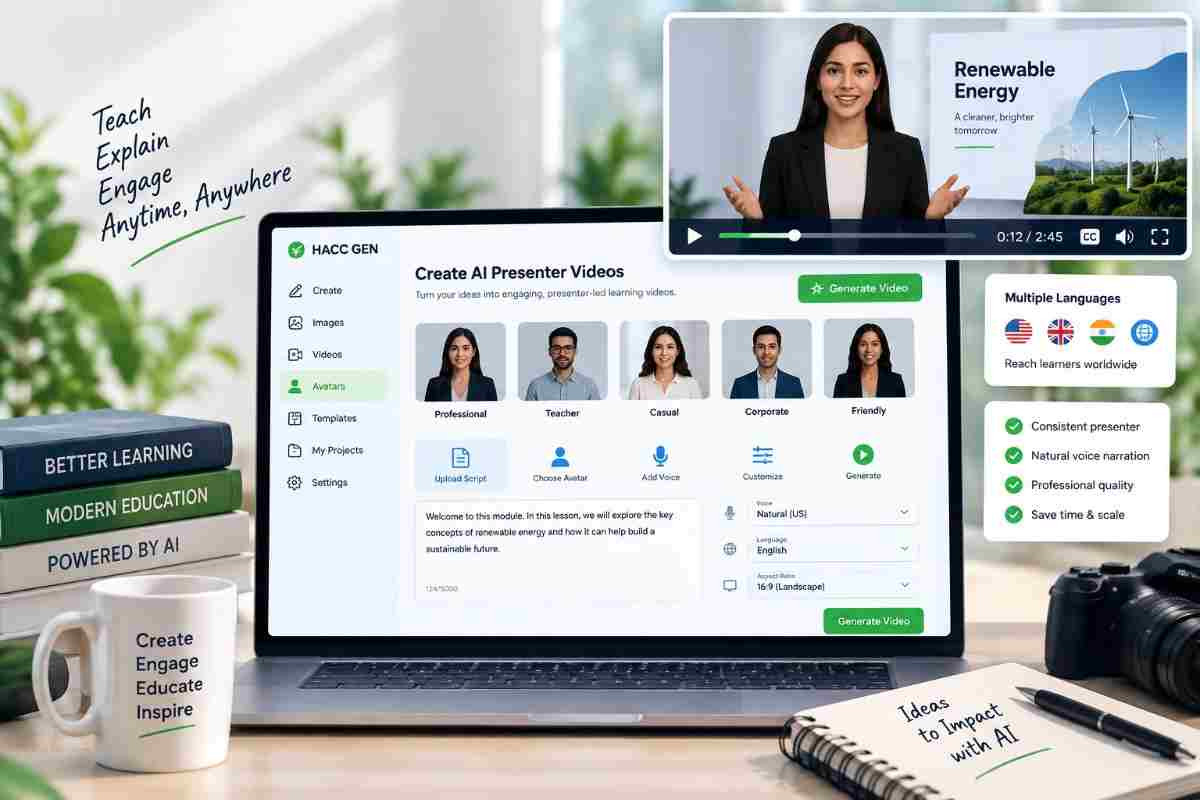
Develop presenter-style instructional videos using AI avatars, approved scripts, and voice narration for consistent communication across courses and training programs.
Create short-form video assets that demonstrate processes, introduce topics, explain concepts, and add visual storytelling to your learning experiences.
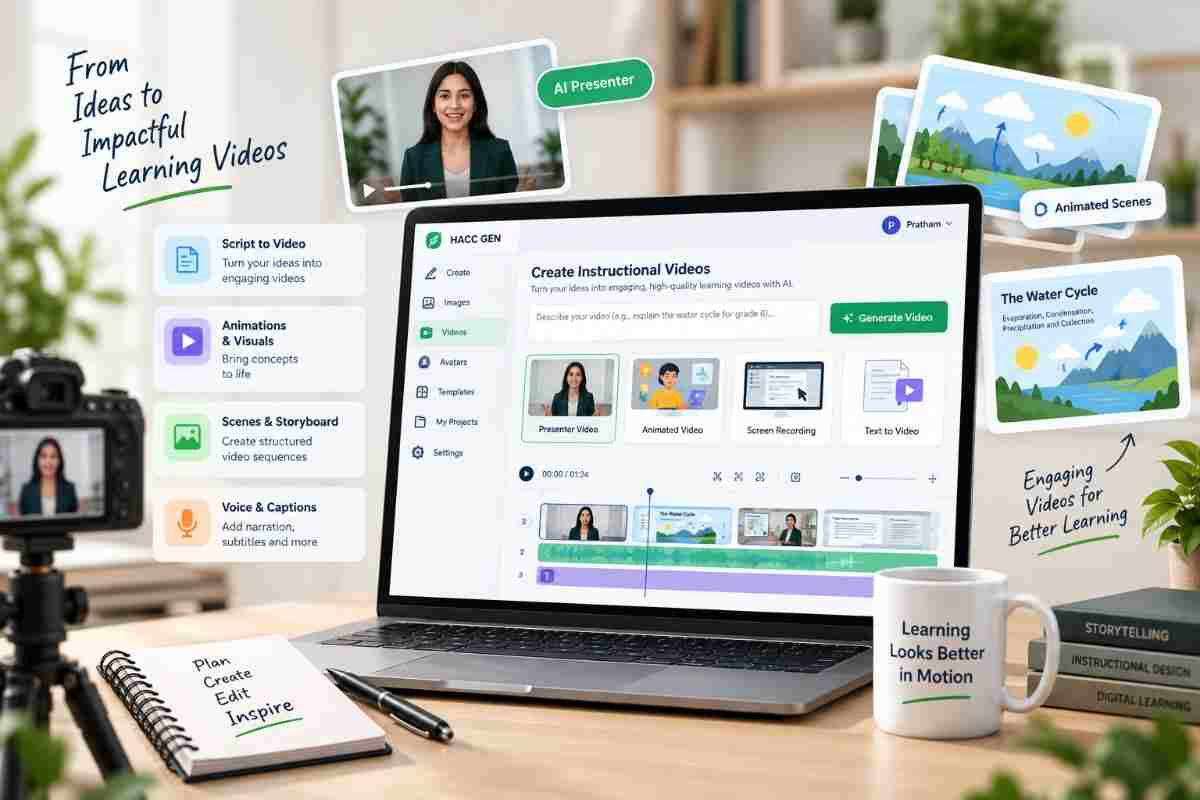
Use AI to accelerate multimedia development while keeping instructional purpose, content accuracy, accessibility, and human approval at the center of every asset.
Identify the concept, skill, outcome, or learner need the multimedia asset should support.
Select images, infographics, narration, avatar videos, or video generation based on the learning objective.
Create a first draft, adjust the content, and refine the visuals, script, voice, or video direction.
Validate accuracy, accessibility, instructional alignment, and quality before adding the asset to your course.
Use multimedia to support instruction, practice, explanation, engagement, and communication across academic and professional learning environments.
Add visuals, diagrams, narration, and video assets to online courses, modules, and instructional presentations.
Create onboarding content, process demonstrations, policy explainers, and engaging training materials for teams.
Use visual and audio content to explain complex topics, abstract ideas, procedures, and real-world applications.
Learn how AI-assisted multimedia creation can support images, infographics, narration, avatar videos, and instructional video content.
Create visual, audio, and video experiences faster while keeping instructional purpose, human expertise, and quality at the center.