HACC Gen (Moodle Plugin) Documentation
4. How it Works?
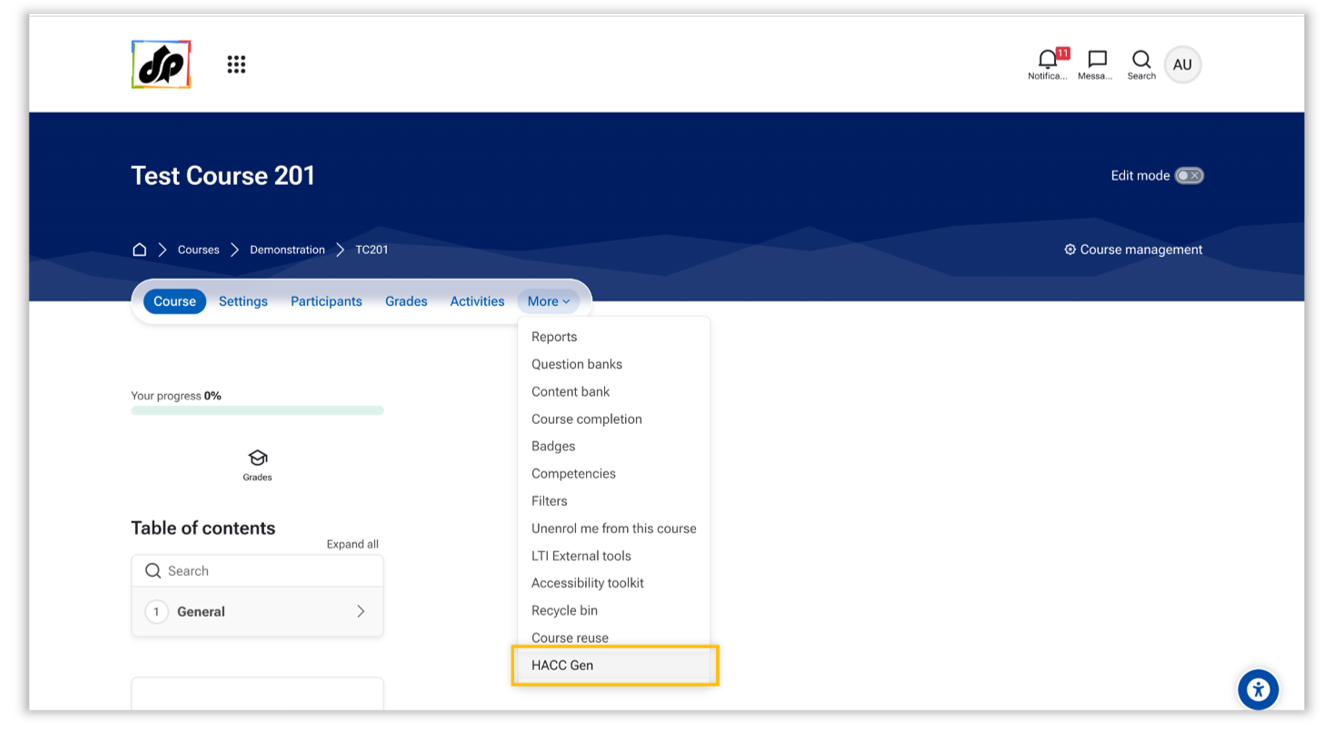
To Navigate to HACC Gen-
Go to the desired Course > More > HACC Gen
Step 1 – Course Details
Provide:
- Topic Title (required)
- Target Audience (required)
- Description (optional)
- PDF Upload (optional) – Generate content directly from an uploaded PDF document

Step 2 – Learning Preferences

Configure:
-
Level of Understanding
- Beginner
- Intermediate
- Advanced
-
Tone of Narrative
- Formal
- Conversational
- Engaging
-
Course Duration
- 15 minutes
- 30 minutes
- 60 minutes
- 90 minutes
- 120 minutes
- Generate Course Summary (Optional)
- User can choose whether to generate the course summary or not.
Step 3 – Topic Generation
The AI generates:
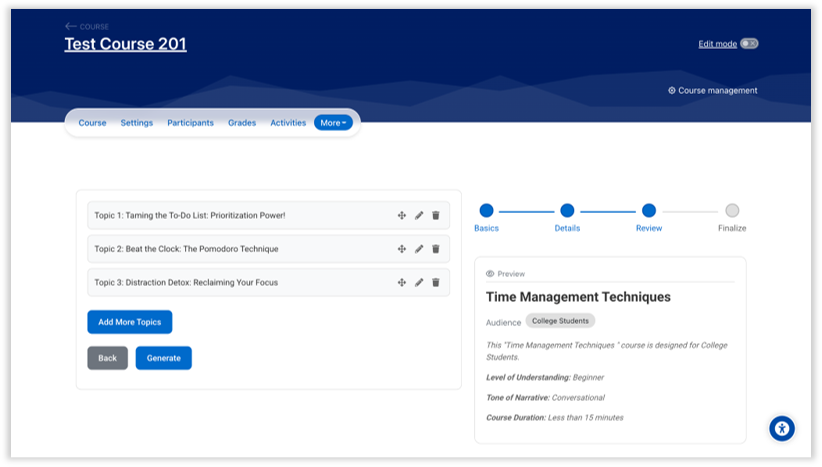
- Structured course topics
- Learning objectives
- Topic descriptions
Optional:
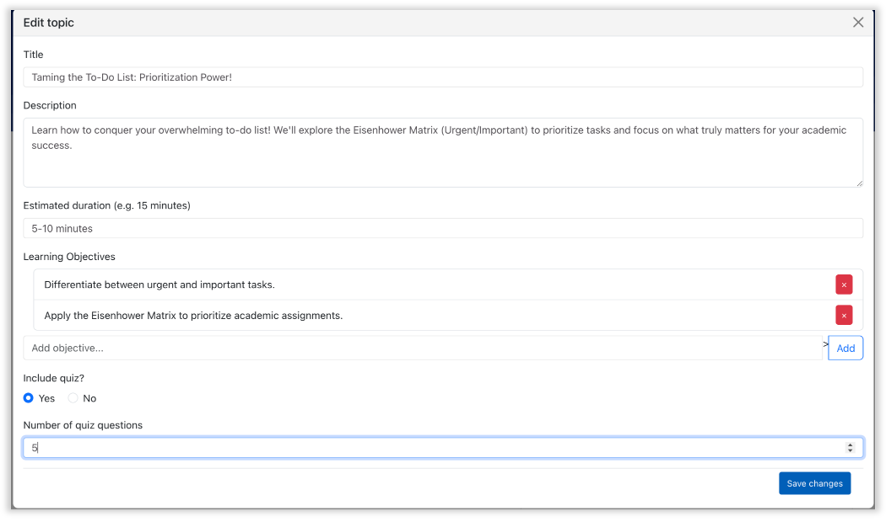
- Enable quiz generation
- Define the number of quiz questions in each topic
Step 4 – Final Content
The AI generates:
- Subtopics for each topic
- Detailed lesson content
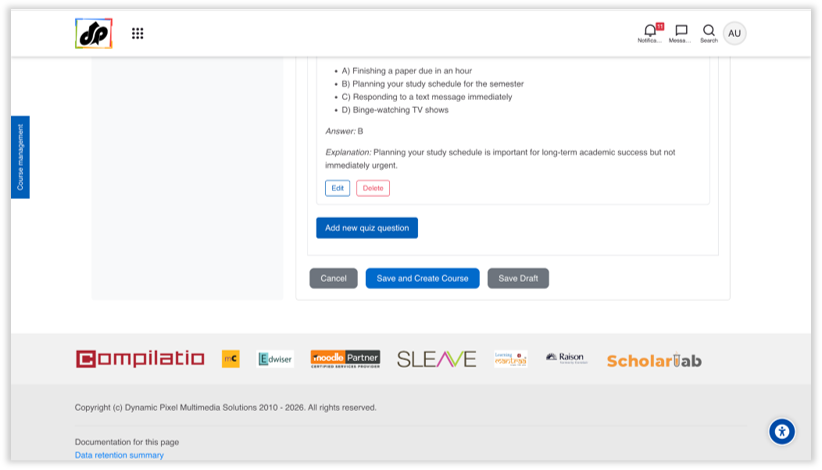
- Quiz questions (if enabled)
- Course Summary (if enabled)

- A particular topic and the pages inside the topic can be renamed/removed if required and sequence of topics and pages can also changed.

After review, you can:
-
Save content as Draft
-
Or automatically create the course inside Moodle